Two-image storyboard to animated scene workflow
From Wikiprompt, the free prompt encyclopedia
Two-image storyboard to animated scene workflow A two-step workflow that turns two character reference images into a 12-panel storyboard poster, then animates the storyboard into a scene. Made with GPT Image 2 and Seedance 2.0.
Related media
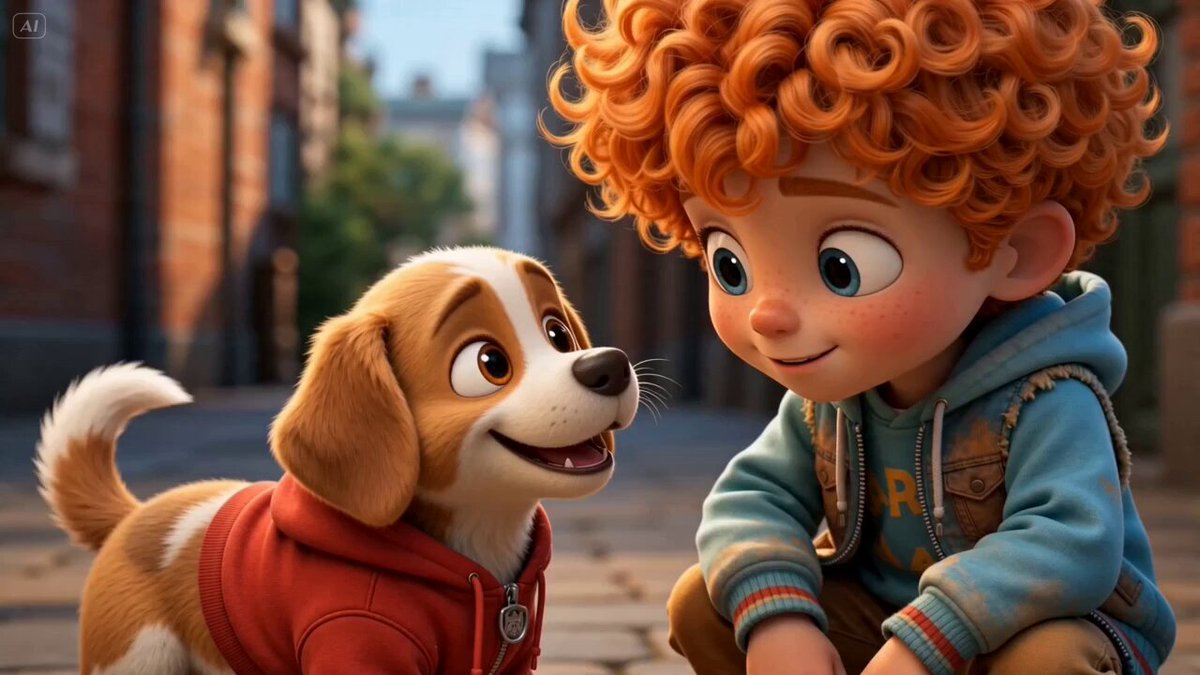
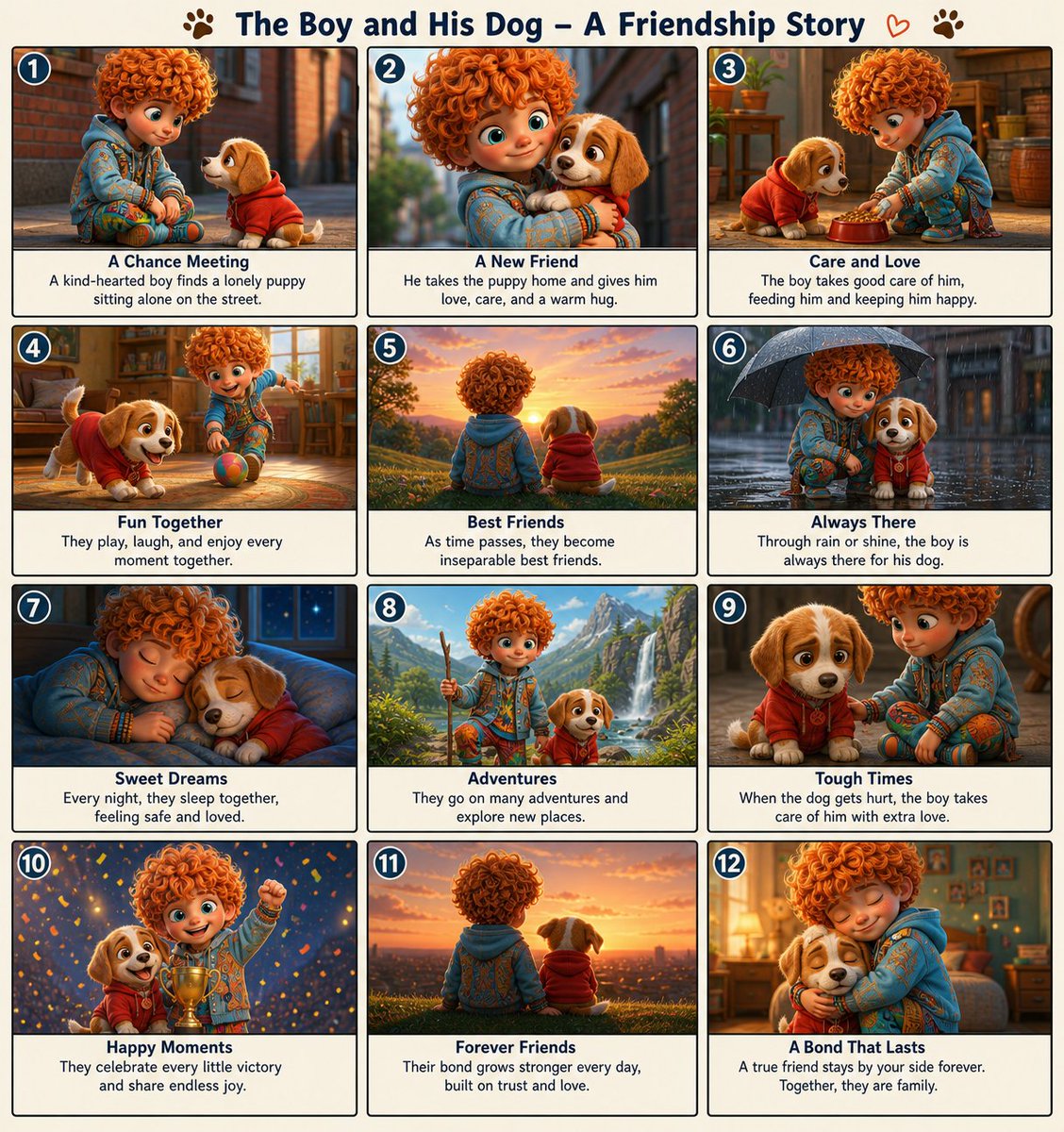
Prompt ContentSave
Step 1, upload two character reference images and use this prompt in GPT Image 2:
Create a clean, colorful storyboard poster in a 3x4 grid layout with 12 panels on a single page.
Title at the top: "[MAIN TITLE]"
Each panel must include: a scene number in a small circle, a short scene title, a col...
Sign in to see the full prompt
Sign In to ContinueUsage
This prompt is designed for use with creative. Copy the prompt content above and paste it into your preferred AI tool.
For best results, you may customize the placeholders (indicated by square brackets or capital letters) with your specific requirements.
References
- Category: creative Prompts
- Source: https://x.com/bmx_ai13/status/2050432594647642414
Talk
0 comments